
Read the narration 2 lines
Export a chat from WhatsApp or Telegram, and open the file in Chat Explorer. On the Mac, it can also read supported local iMessage and WhatsApp chats.
Chat Explorer does not connect to your WhatsApp or Telegram account. You export a chat yourself, and Chat Explorer opens the file. It takes about a minute.
Export the chat from WhatsApp.
- In WhatsApp, open the chat you want to keep.
- Tap the contact or group name at the top, scroll down and tap Export Chat.
- Include media to bring the photos, videos and voice notes along, or leave it out for a smaller file.
- Save the .zip file to Files, or send it to your Mac with AirDrop. Keep it zipped.
From Telegram, open the chat in Telegram Desktop, choose Export chat history, and pick Machine-readable JSON. HTML works too.
Open it in Chat Explorer.
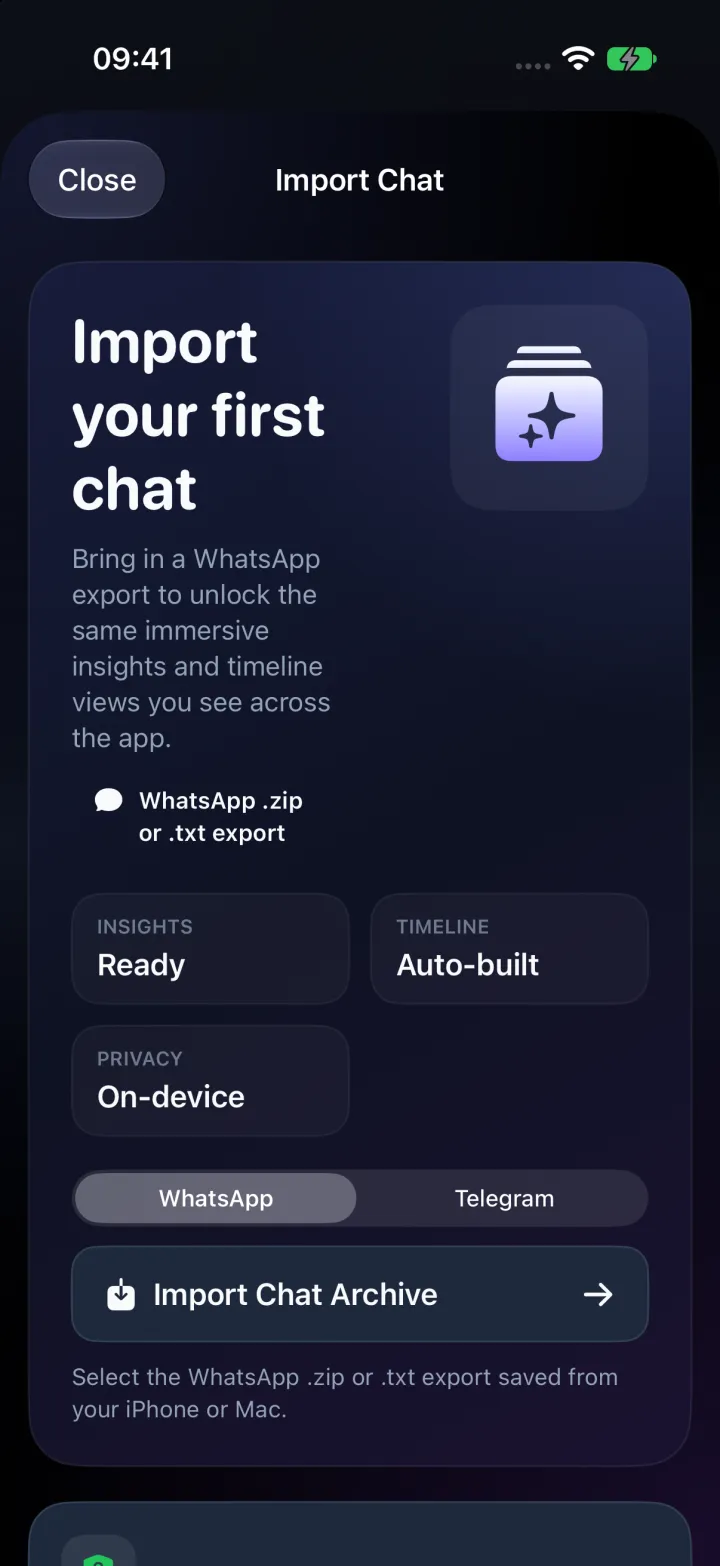
- Tap Import Chat at the top of the list of chats.
- Choose WhatsApp or Telegram.
- Tap Import Chat Archive and pick the file you saved. For a Telegram export folder, use Select Export Folder.
- The chat appears in your list. You can start reading while Insights and the rest are prepared.
You can also open a WhatsApp .zip straight from the Files app: share it and choose Chat Explorer. The import sheet repeats the export steps under Before you import, if you need them later.
On the Mac.
The Mac app imports exports the same way. It can also read your local WhatsApp and iMessage chats without an export. Turn on Live WhatsApp or Live iMessage in Settings, then Preferences, then Beta Features, and connect it from the sidebar. These are beta features for Chat Explorer Pro, and they only read your chats, never change them.
Good to know. The sample chat has every feature unlocked, so you can try them before you import. On the free plan you can import one chat of your own, and chats that span more than 90 days keep their oldest part locked, up to six months. Chat Explorer Pro removes both limits. WhatsApp also caps the size of an export, so a very long chat may leave out its oldest messages.
Chat Explorer is independent and not affiliated with WhatsApp, Meta, Apple or Telegram.