
01
Ready for iPhone Duo
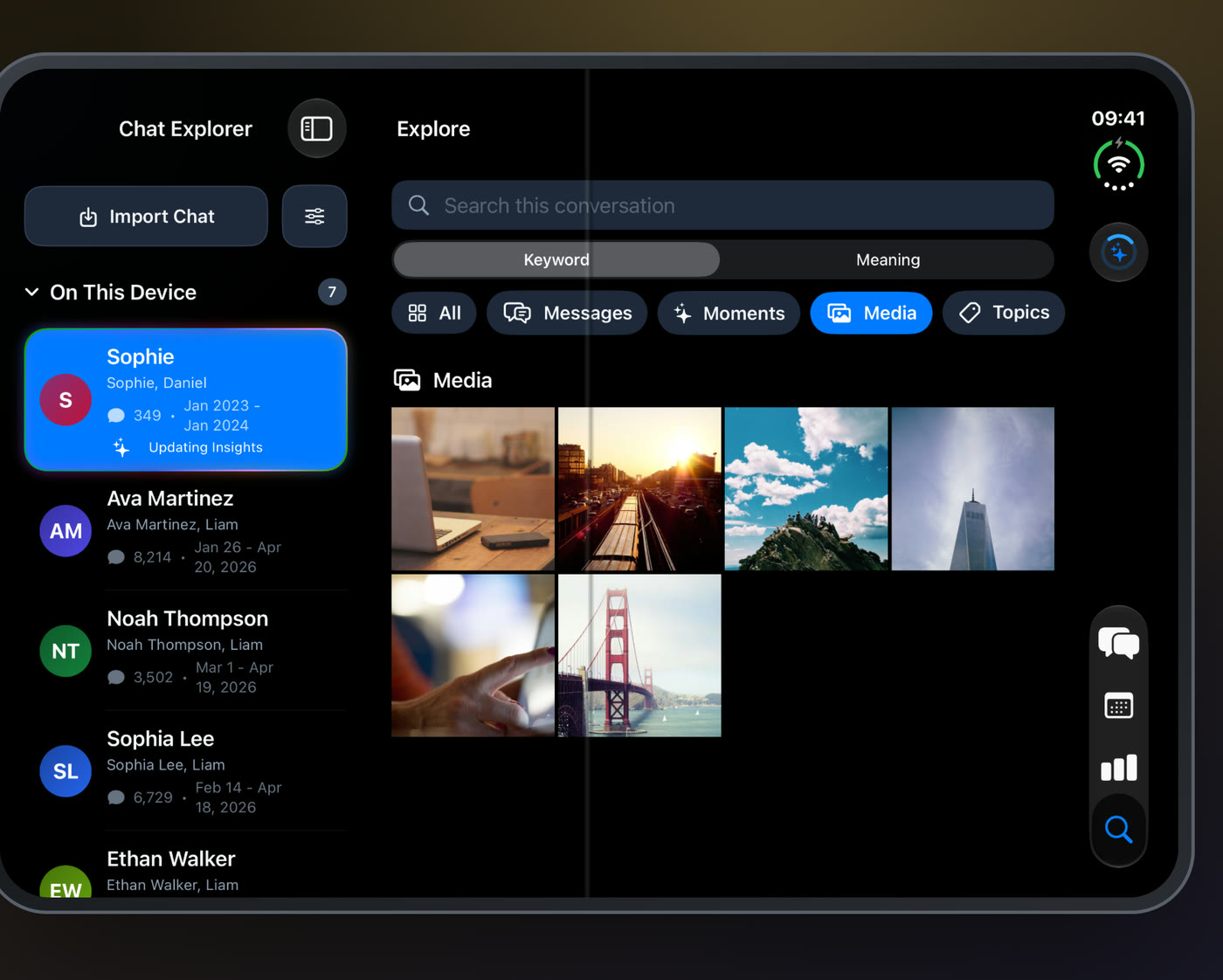
Chat Explorer adapts as you fold, unfold, and rotate, keeping your chat, your place in the Timeline, and your Explore results. On the unfolded display, the Pro options sit beside the feature list.
Ask AI follow-ups that remember the conversation, Timeline milestones you can trust, and smoother browsing on iPhone, iPad, and Mac.
Download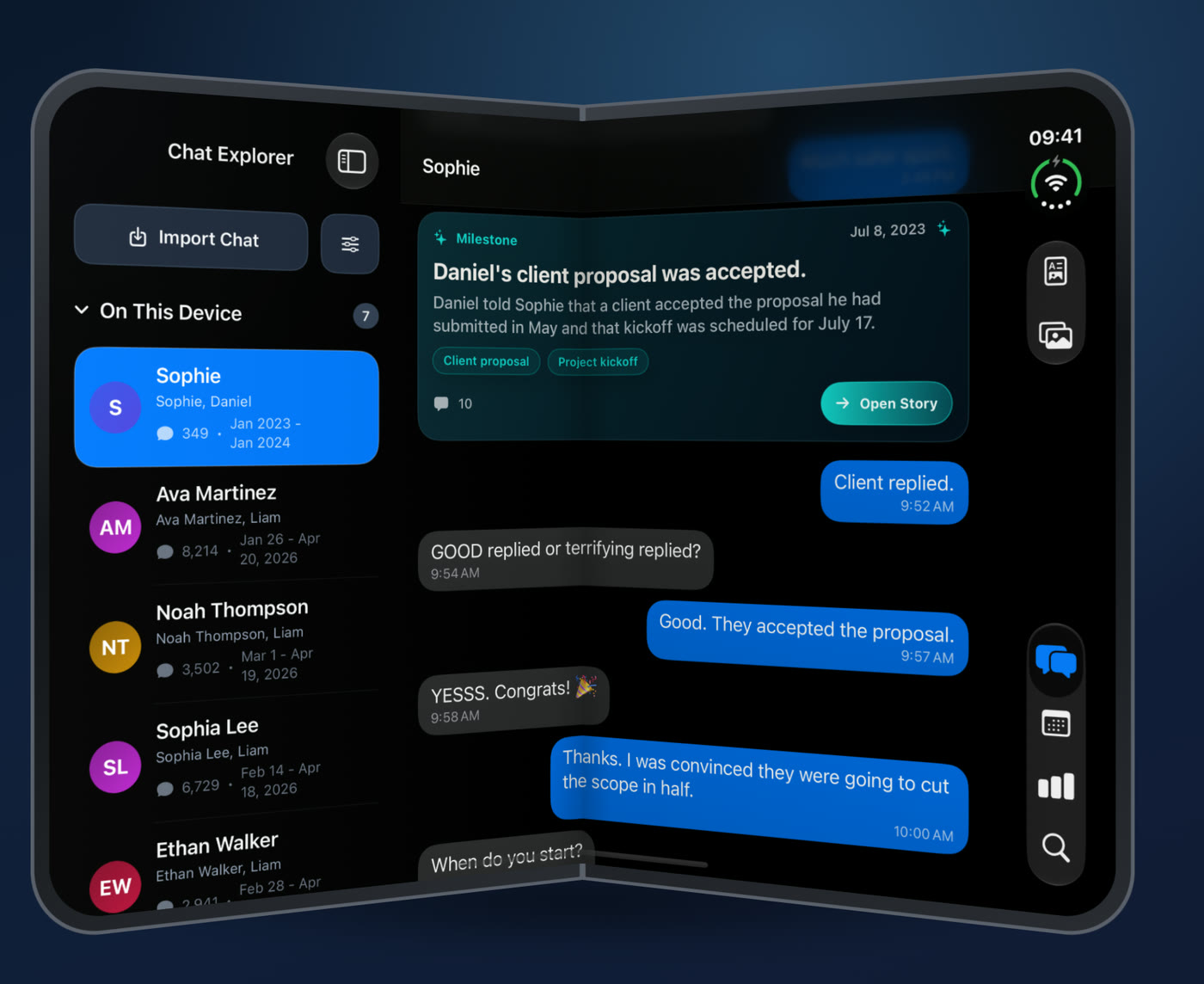
Chat Explorer adapts as you fold, unfold, and rotate, keeping your chat, your place in the Timeline, and your Explore results. On the unfolded display, the Pro options sit beside the feature list.
Follow-up questions now understand the surrounding conversation and remember who and what you were asking about. Answers stay in your chosen AI language, and summaries can draw on messages written in other languages. Both are Beta: turn them on in Settings › Beta Features.

Milestones still under review are marked, so unconfirmed moments never look final. Busy days are reviewed using the messages that matter most, and stories and milestones are kept when a refresh fails.

Deleting files, importing archives, and sync checks no longer freeze the screen. Clearing caches runs in the background and shows its progress. Deleting a chat only removes its own archive, unlocked chats lock again in the background, and screens no longer get cut off on narrow iPhones, in landscape, or on iPhone Duo.
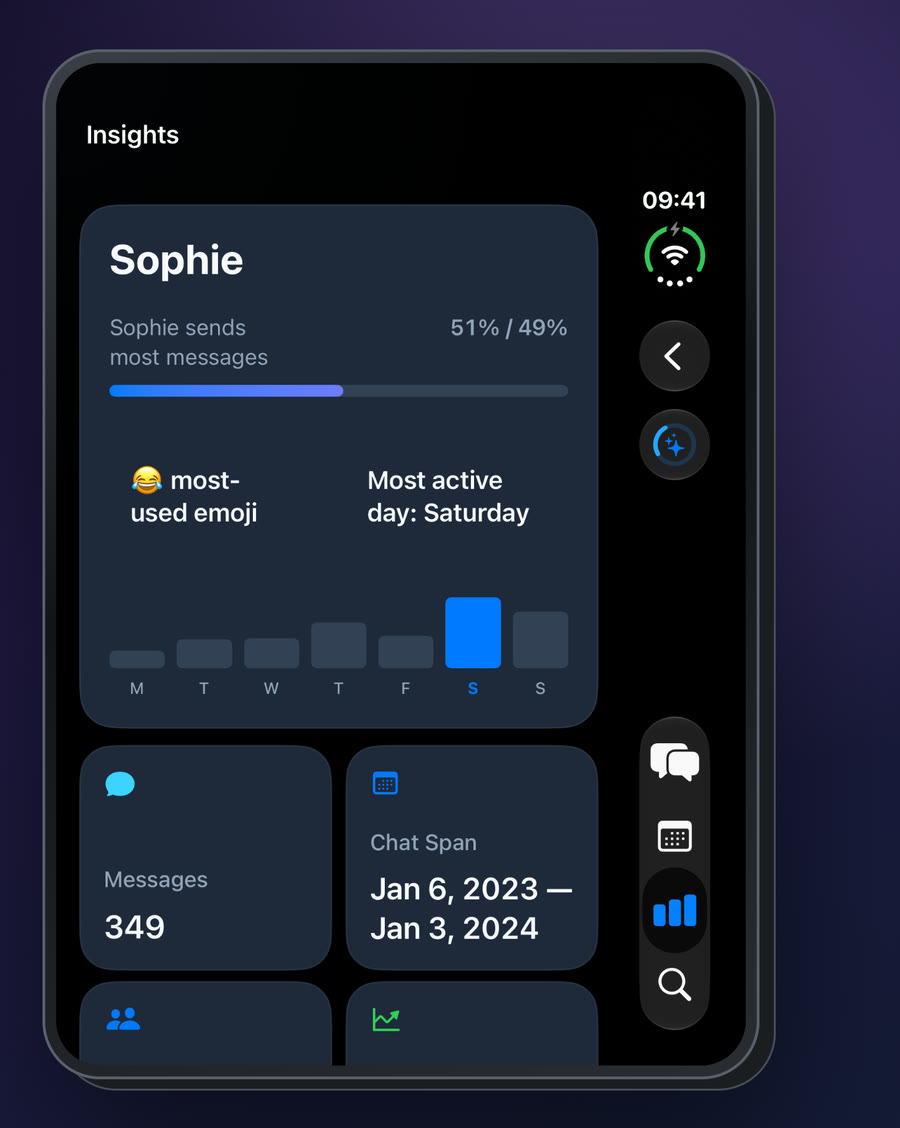
Chat Explorer 1.5 keeps every improvement from 1.4.1 and 1.4: live Apple Intelligence status, smarter multilingual answers, accessibility fixes, and crash-safe imports you can merge and recover.
If Apple Intelligence is enabled, preparing, or becomes available while Chat Explorer is open, Explore now refreshes its status automatically instead of requiring a restart or reinstall.
Question intent classification and retrieval were tightened so ordinary statements are less likely to trigger Ask AI and grounded answers reject irrelevant evidence more reliably across supported languages.
Version 1.4.1 improves dynamic type reflow, media descriptions, live status semantics, and Topic Mind Map actions as part of the European Accessibility Act compliance pass.
Import progress appears earlier, interrupted imports can recover safely, and newer exports can be merged into an existing archive without rebuilding the conversation from zero.
Using Chat Explorer on more than one device? Update all of them to 1.5 so Timeline milestones stay in sync.
Your chats remain stored and analyzed on your device by default. Nothing in 1.5 changes that.
Semantic exploration and generated conversation insights require a compatible Apple Intelligence device and availability in your language and region. Import, browsing, keyword search, media, and PDF tools remain available without it.
Chat Explorer will let you choose which AI runs each feature: Apple Private Cloud Compute, Anthropic Claude, OpenAI, Google Gemini, or your own OpenAI-compatible server such as Ollama or LM Studio.